October 3, 2026 ·6 min read
By Jaron Denson, owner and aerial director of photography at Drone Tech Aerial. FAA Part 107 remote pilot, flying productions in Los Angeles since 2012.
Remote ID on Film Sets: What the Drone Over Your Location Is Broadcasting, and Who Can Read It
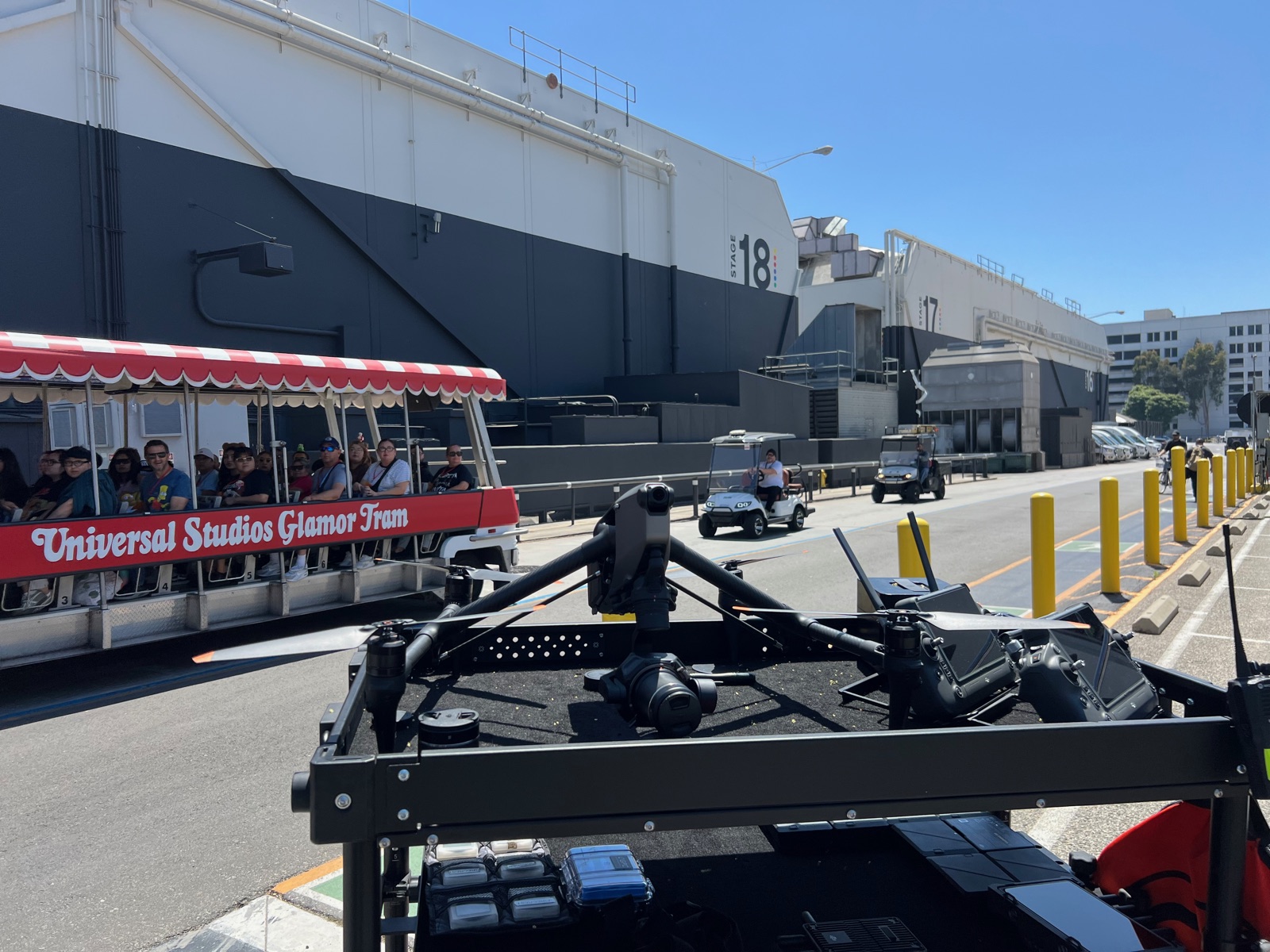
Since March 2024 every drone flying for work in the United States has been broadcasting its identity and position, the pilot’s position included, to anyone within a few hundred meters who has the right app open. Most producers have not noticed, because a compliant aerial unit does not look any different on the day. It starts to matter in two situations: when a location manager or an insurer asks for the paperwork, and when the drone over the set is not the one you hired. This post covers what Remote ID is, what our aircraft broadcast, and how to use the rule when an aircraft shows up that should not be there.
What Remote ID is
Remote ID is the FAA’s rule, in 14 CFR Part 89, that a drone must broadcast identifying and location information while it flies. The rule was published in January 2021. Operators had to comply from September 16, 2023, and the FAA stopped exercising enforcement discretion on March 16, 2024. It applies to any drone that has to be registered, and under Part 107 every aircraft flown for work has to be registered regardless of weight, so it covers everything from a sub-250-gram cinewhoop to a Freefly Alta 8.
There are three ways to comply:
- Standard Remote ID. The capability is built into the aircraft and broadcasts from takeoff to shutdown. Most current DJI aircraft got it through a firmware update.
- A broadcast module. A small transmitter attached to an aircraft that does not have it built in. The aircraft then has to stay within the pilot’s visual line of sight, which under Part 107 it already does unless a waiver says otherwise.
- An FAA-recognized identification area. A fixed site, usually a model aircraft field, where aircraft without Remote ID may fly. These do not exist on film locations and are not relevant to production.
What the broadcast contains, and what it does not
The broadcast carries a unique identifier for the aircraft, normally its serial number, plus the aircraft’s position, altitude, and velocity, the position of the control station (for a standard aircraft) or the takeoff point (for a module), a time mark, and an emergency status flag. It goes out over Bluetooth, Wi-Fi, or both, and a phone can typically pick it up from a few hundred meters, sometimes further with clear line of sight.
It does not carry the video. It does not carry the owner’s name. The serial number is what the public sees; the FAA and law enforcement can connect a serial to the registered owner, and nobody else can.
What is on our aircraft
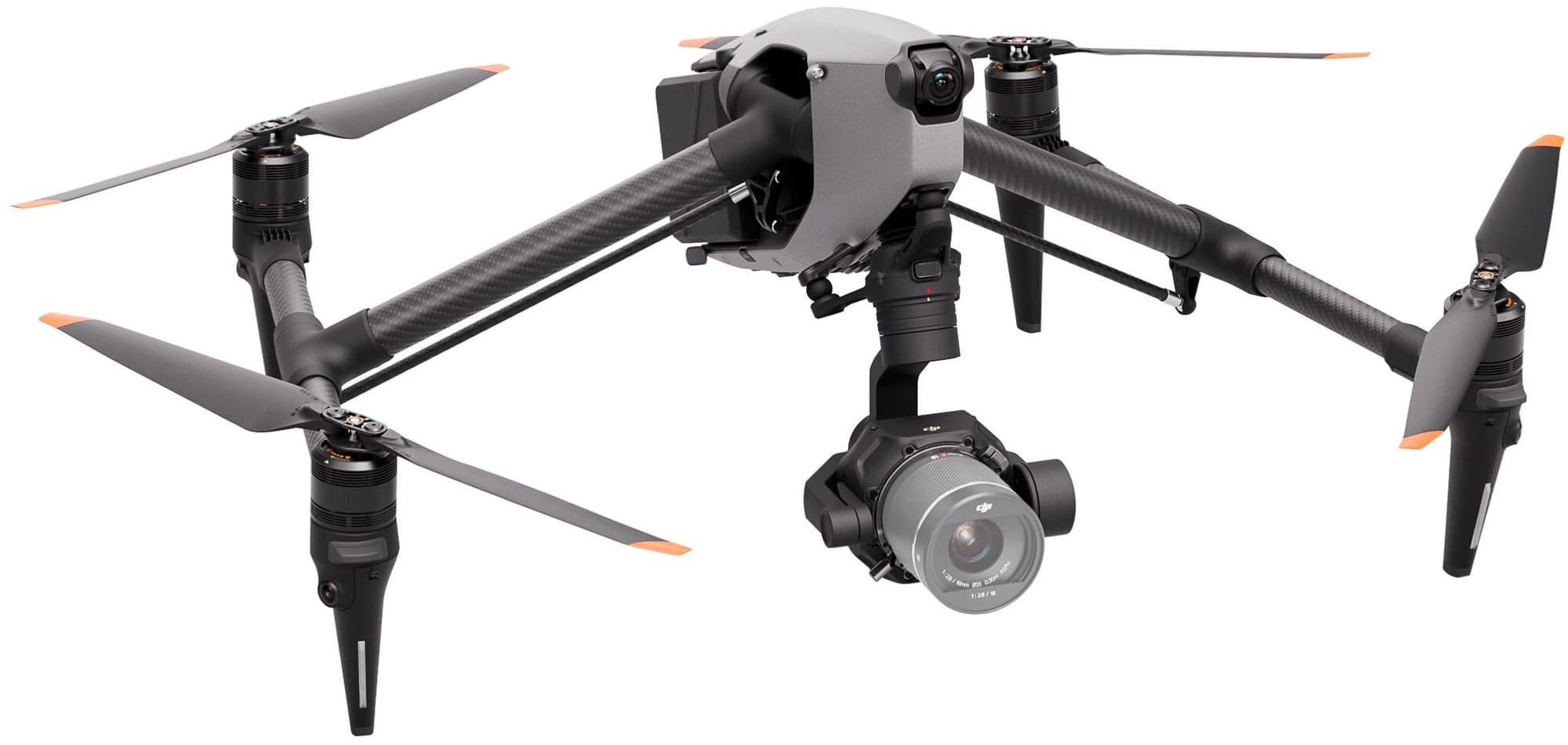
Our DJI Inspire 3 and Mavic 3 Cine carry standard Remote ID through firmware. The older aircraft in the gear list, the Inspire 2 and the Alta 8 that carries the ARRI Alexa Mini, fly with a broadcast module attached. In both cases nothing about the day changes: a standard Remote ID aircraft is designed not to take off if the broadcast is not working, so by the time a production sees the aircraft in the air the compliance question has already been answered.
The rule does add one item to the documents a production should ask its aerial unit for. The FAA registration for each aircraft now carries its Remote ID serial. Put that next to the pilot’s Part 107 certificate, the certificate of insurance, and the airspace authorization in the vetting file. Our full list of what to ask for is in the producer’s compliance checklist.
When the drone over the set is not yours
This is where the rule earns its keep for a production. A drone appears over a closed set, a stage perimeter, or a location with talent on it. Before Remote ID there was very little to do beyond pointing at it. Now there are four steps.
- Read it. Several free Remote ID reader apps exist for phones; they use the phone’s Bluetooth and Wi-Fi and need no account. Anyone on the crew can open one and see the aircraft’s serial, altitude, and, for a standard aircraft, where the operator is standing.
- Record it. Screenshot the reading with the time. The serial number is what law enforcement and the FAA need to identify the operator.
- Report it. Call the location’s law enforcement contact or the local police, and tell the production’s security lead. Do not try to bring the aircraft down or interfere with it; that is a federal matter and it creates a safety problem of its own.
- Tell your aerial unit. Two aircraft in the same airspace is a safety issue for the one you hired. Our pilots will land or hold until the airspace is clear, and the operator location from the broadcast is often enough to go and have a conversation.
Not every aircraft over a set is hostile. A neighbor, a real estate photographer, or a news helicopter’s drone counterpart may have a legal right to be in the air nearby, and public airspace is public. The rule does not give a production the right to clear the sky. It gives the production a way to know who is in it.
The security angle for closed sets
The broadcast is symmetric. While we fly, anyone nearby with a reader can see that a drone is working from a particular spot at a particular time, and roughly where the pilot is. The video is not exposed, and the owner is not named, but the fact of drone work at a location is. For a shoot that is trying to stay quiet, a production security plan should treat that the way it treats the call sheet: the information exists, and the perimeter is what controls who gets near enough to use it. There is no way to switch the broadcast off, and an operator who offers to is offering to break the rule on your permit.
Remote ID and the rest of the paperwork
| Document | What it proves |
|---|---|
| Part 107 remote pilot certificate | The pilot who will fly is certified by the FAA |
| Aircraft registration | The specific aircraft is registered, with its Remote ID serial |
| Certificate of insurance | The production is named and the limit is stated |
| LAANC authorization or waiver | The aircraft may be in this airspace, at this altitude, in this window |
| Night or over-people waiver | The specific operation outside the default rules is approved |
Remote ID is the only line on that list that a crew member can verify with a phone while the aircraft is in the air. The rest is paper, and it should arrive before the aircraft does. How Part 107 handles people on the set and how night work is authorized are covered in their own posts.
FAQ
Is Remote ID required for commercial drones?
Yes. Any drone that has to be registered must broadcast Remote ID, and every drone flown under Part 107 has to be registered, whatever it weighs.
Can I find out who owns a drone flying over my set?
You can read its serial number, position, and altitude with a phone app. Connecting the serial to a registered owner is something the FAA and law enforcement can do, so record the reading and report it.
Does Remote ID show what the drone is filming?
No. The broadcast carries identification and position. The camera feed stays between the aircraft and its controller.
Does a sub-250-gram drone need Remote ID on a film shoot?
Under Part 107, yes. The 250-gram threshold affects registration only for recreational flying. Every aircraft flown for work is registered and must broadcast.
Can a drone fly with Remote ID turned off?
Not legally, and for a standard Remote ID aircraft not at all: the rule requires the aircraft to be designed so it will not take off if the broadcast is not functioning.
Remote ID is one chapter of our Los Angeles drone filming permit guide, which covers the full approval stack on one page.
Vetting an aerial unit, or writing the drone section of a location security plan? Book a consultation and we will walk through the documents and the on-set procedure with your team.